MS Hackathon
Revolutionize the future with Microsoft's AI Hackathon 2024.
Ignite your creativity, conquer challenges, and lead the way in artificial intelligence innovation!
June 8th - 17th, 2024


Build a working prototype.
What we're looking for is more than just sketches or plans on paper. Your submission should embody a working prototype, breathing life into your vision with tangible functionality. Each feature you choose to showcase should be carefully selected to illustrate the essence of your solution and its potential to evolve into something remarkable.
Think of this as laying the foundation for a future masterpiece – each line of code, each design element, should hint at the greatness to come with additional time, effort, and resources. So, while perfection may be out of reach within this timeframe, strive to create something that not only works but sparks excitement and anticipation for what lies ahead.
What to build
Sole developer or a team.
Join either as individual contributors or as part of a team comprising a maximum of two members. Participants registering as a team are reminded that team dynamics cannot be altered once the hackathon commences.
Choose your toolkit.
You may utilize any technology, framework, programming language, or platform you are comfortable with to design and build your prototype. There are no restrictions imposed on the tools or resources used during the hackathon, allowing teams to leverage their expertise and preferences to create innovative solutions.
Three challenges. Pick one.
Choose the challenge that resonates with you the most, or take on the challenge that pushes you out of your comfort zone. Remember, the sky's the limit when it comes to innovation! Good luck, and let the hacking begin!

AI Powered Personal Assistant
-
Develop a virtual assistant leveraging AI techniques to schedule tasks, manage calendars, provide reminders, and answer queries. Incorporate natural language processing (NLP) for seamless interaction.
How to submit
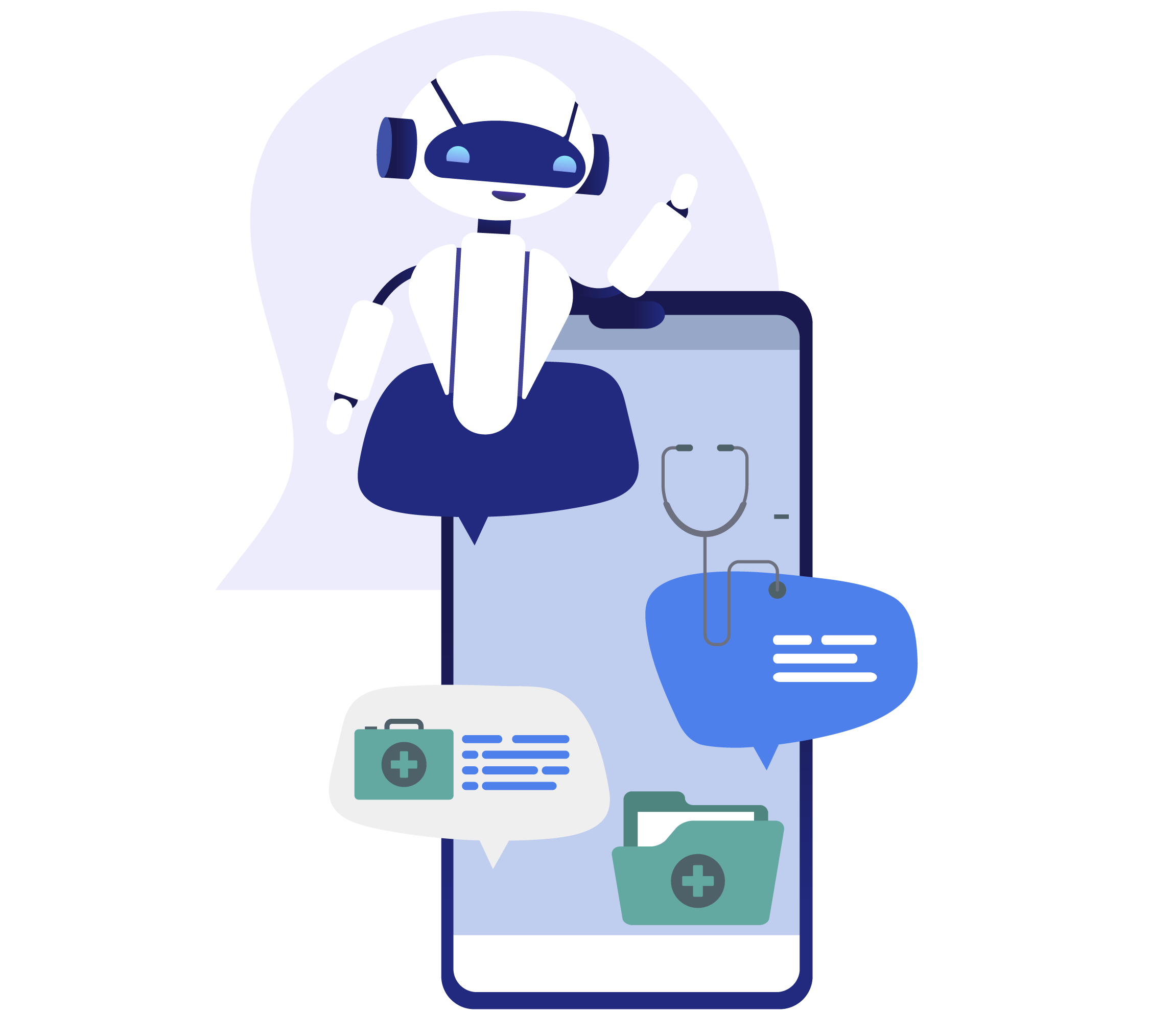
Healthcare Diagnosis Chatbot
-
Build a chatbot capable of diagnosing common medical conditions based on user symptoms input. Utilize machine learning models trained on medical data to provide accurate suggestions and recommendations for further action.
Fake News Detection System
-
Create a tool that uses machine learning algorithms to identify and flag misleading or fabricated news articles from online sources. The system should analyze text content, verify sources, and provide users with credibility scores.
Three stages. It's as easy as 1-2-3.

Stage 1
June 10 - 15, 2024
Engage & start your build
-
Attend the Ask Me Anything (AMA) sessions and workshops organized organized for you.
See schedule. - These sessions will answer any questions or concerns you may have regarding the hackathon.
- These sessions aim to provide you with guidance on the hackathon theme, problem statements, and submission requirements.
- These sessions will assist you in understanding the submission process, including how to submit your projects, and offer insights and tips on building effective solutions, including technical guidance and best practices.
- Ensure to actively participate in these sessions to gain valuable knowledge and clarity on the entire hackathon process.

Stage 2
June 10 - 15, 2024
Continue to design & build
- Conceptualize the solution: Familiarize yourselves thoroughly with the three problem statement mentioned above. Pick only one to work on.
- Organize brainstorming sessions with your team to generate ideas for solving the identified problem.
- Choose the most promising idea and define the core functionalities of your solution.
- Create user stories or use cases to outline how users will interact with your prototype.
- Prototyping: Begin building a basic prototype of your solution using suitable technologies and tools.
- Focus on implementing the key features identified during the conceptualization phase.
- Keep the user experience (UX) in mind while designing the prototype, aiming for simplicity and intuitiveness.
- Video demo: Prepare a video demo highlighting the workings, key features, and benefits of your prototype. What to include in the video demo?
- Submit your source code and video demo for evaluation. See how.

Stage 3
June 15 - 17, 2024
Submit your prototype
- Create a GitHub Repository: Create a public GitHub repository specifically for your hackathon project.
- Upload Source Code Files: All source code files, including HTML, CSS, JavaScript (for web apps) or relevant files for mobile apps, should be uploaded to the repository. This includes any backend code, if applicable.
- Readme File: Teams must include a comprehensive readme file in their repository. This readme should contain detailed instructions on how to run and test their application. Any dependencies, setup instructions, or special configurations required to run the app should be clearly documented here.
- Evaluator access: Participants should not make their repositories private or restrict access in any way. Repositories must remain public and accessible to the evaluators at all times.
- Evaluators will download the source code from the provided GitHub repositories for assessment. If the repository is inaccessible for any reason (e.g., made private, broken URL), evaluators will not be able to assess the project, and the team may miss out on evaluation opportunities.
- Submission: During the submission phase of the hackathon, participants will be provided with a field to input their GitHub repository URL. They should paste the URL of their repository into this field.

Your video demo.
Recording your video:
(1) Use screen recording software to capture the demonstration of your prototype.
(2) Keep the video under 3 minutes in length, adhering to the hackathon guidelines. Speak clearly and concisely as you demonstrate each key feature. Avoid rushing through the demo; maintain a steady pace to ensure clarity and comprehension.
Hosting:
(3) Choose a video hosting website such as YouTube, Vimeo, or others. Upload your video to your favorite video sharing platform.
Accessibility:
(4) Set the video privacy settings to "Public" or "Unlisted" to ensure that the evaluators can access it.
(5) Avoid setting the video to "Private" or using password protection, as this will prevent evaluators from viewing it.
Submission:
(6) Once the video is uploaded and accessible, copy the video URL. Paste the video URL into the designated field in the submission form provided at the end of the hackathon submission phase.
(7) Submit the form once you have filled out all the fields.

Evaluation criteria.
The judging criteria encompass technical excellence, originality, and the potential for future development, ensuring that each submission embodies innovation and practicality.
Code quality:
(1) Consistency in coding style and conventions.
(2) Readability and maintainability of the code.
(3) Proper commenting and documentation.
(4) Optimization of algorithms and data structures.
(5) Minimization of computational complexity and resource usage.
(6) Consideration of performance constraints and scalability.
Functionality:
(1) Implementation of core features as per the problem statement. Emphasis on functionality over mere presentation, wireframes, or mockups.
(2) Handling of edge cases and error conditions.
(3) Overall effectiveness and reliability of the solution.
(4) Extensibility and flexibility in adding new features or components.
UI/UX:
(1) Visual appeal and aesthetics of the interface.
(2) Intuitiveness of navigation and controls.
(3) Efficiency and effectiveness in accomplishing tasks.
(4) Providing informative feedback to user actions.
Schedule: Plan your journey
| Event | Date | Time (IST) | Action |
|---|---|---|---|
| Ask Me Anything | June 10, 2024 | 3:00 PM | Done |
| Ask Me Anything | June 11, 2024 | 3:00 PM | Done |
| Introduction to AI & ML | June 12, 2024 | 3:00 PM | Done |
| An introduction to building an AI Chatbot | June 13, 2024 | 3:00 PM | Done |
| Ask Me Anything about the final Submission Process for MS Hackathon 2024 | June 14, 2024 | 3:00 PM | Done |
| Submit your prototype | June 15 - 17, 2024 |
Begins at 09:00 AM on June 15th, 2024
Ends at 11:59 PM on June 17th, 2024 |
Submissions closed |

Feeling lost?
Feeling as adrift as an astronaut without a tether? Shoot us an email at microsoft@acehacker.com and we'll bring you back to solid ground with a smile.
Email Us